Using smartleadai-mcp Safely: A Practitioner’s Guide to Smartlead Automation
A practical guide to connecting smartleadai-mcp to Claude Desktop, Hermes, and other stdio clients while controlling credit spend, sending, and prospect data.
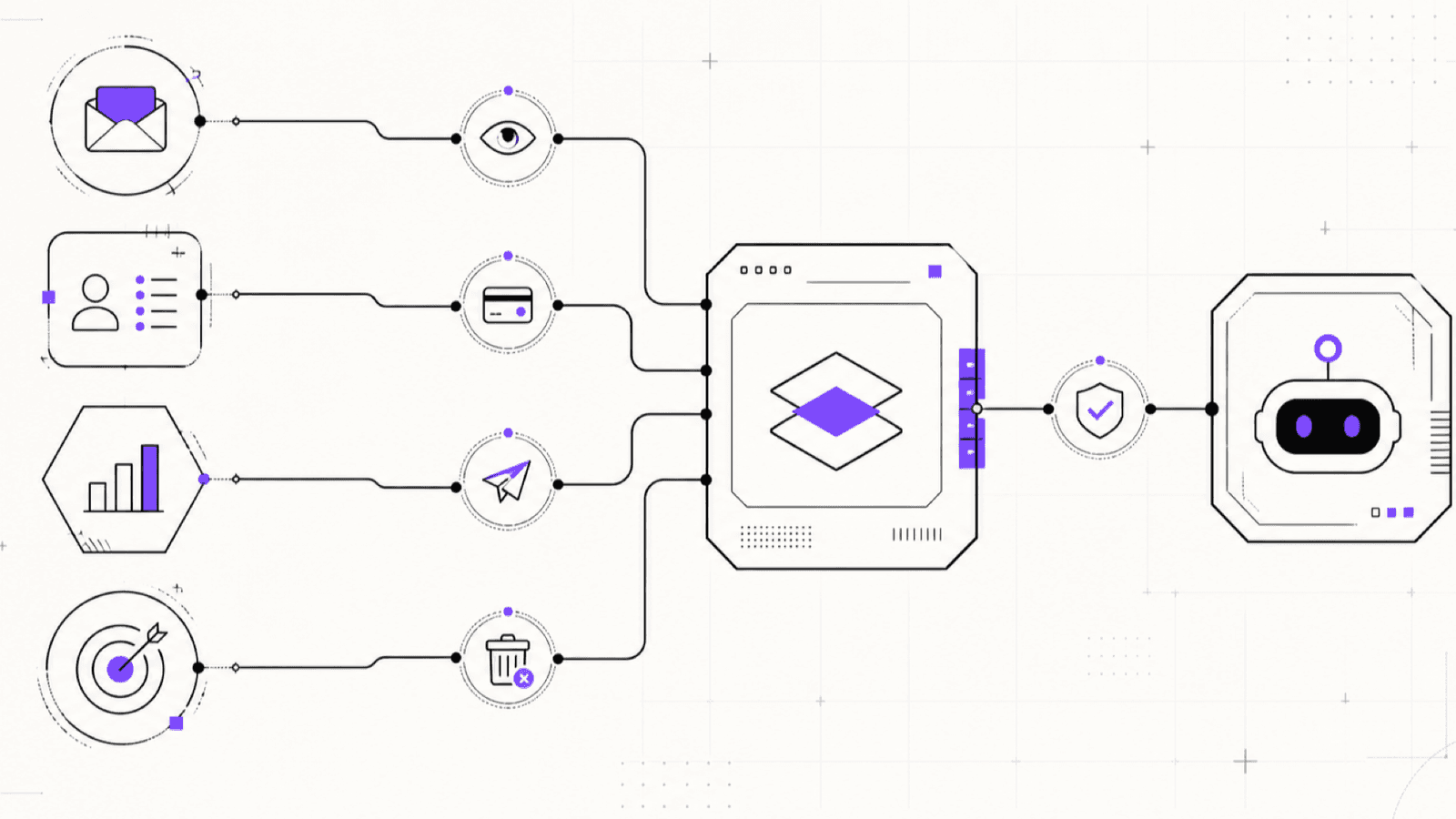
When I connect an AI agent to an outreach platform, I assume the model will eventually misunderstand an instruction, encounter hostile text, or choose a tool I did not expect. The integration therefore needs to remain safe even when the model’s judgement does not.
smartleadai-mcp is the MCP server I built for the Smartlead API. It is an unofficial integration and is not affiliated with, endorsed by, or sponsored by Smartlead.ai. It gives MCP-capable agents access to SmartProspect, campaign operations, analytics, sender infrastructure, and delivery tooling while separating reads, mutations, credit spend, sending, and destructive actions into different policy layers.
This guide shows how I install it, connect it to common MCP clients, and run a prospect-to-campaign workflow without giving an agent more authority than the task requires.
Why Smartlead needs more than one API client
The Smartlead API is split across four documented hosts. Treating it as a single base URL produces missing or incorrect routes, particularly for prospecting and delivery operations.
smartleadai-mcp keeps the services separate:
- SmartProspect:
prospect-api.smartlead.ai· tool prefixsmartprospect_ - Core Smartlead:
server.smartlead.ai· tool prefixsmartlead_ - Smart Delivery:
smartdelivery.smartlead.ai· tool prefixsmartdelivery_ - Smart Senders:
smart-senders.smartlead.ai· tool prefixsmartsenders_
The server covers the complete documented SmartProspect surface and a safety-reviewed set of operations across all four hosts. It does not expose every documentation page blindly. Operations are excluded when the official request schema is insufficient, when a route would pass mailbox credentials or live OTPs through the model, or when a financially consequential action lacks a suitable consent boundary.
Run the following command against the installed build whenever you need the exact inventory and safety classification:
npx -y smartleadai-mcp toolsThis is more reliable than depending on a tool count in an article because the reviewed surface changes as Smartlead’s documentation changes.
Install and diagnose the server
You need Node.js 20.19 or newer and a Smartlead API key with access to the products you intend to use. The shortest setup path is the interactive initializer:
npx -y smartleadai-mcp initThe initializer validates the key using a free, read-only countries lookup that does not retrieve contact records. It asks which safety mode you want and prints configuration for Claude Desktop, Claude Code, and Hermes.
For an existing setup, run:
npx -y smartleadai-mcp doctorThe doctor checks configuration, validates the key, reports the active policy settings, and confirms that tools were registered. Starting npx -y smartleadai-mcp without a subcommand launches the stdio MCP server. If it appears to wait silently, that is normal: it is waiting for an MCP client on stdin.
I keep the API key in the MCP client’s environment configuration rather than putting it directly in a shell command, where it may enter shell history.
Configure Claude Desktop
On macOS, edit ~/Library/Application Support/Claude/claude_desktop_config.json. On Windows, use %APPDATA%\Claude\claude_desktop_config.json.
Add the server under mcpServers:
{
  "mcpServers": {
    "smartlead": {
      "command": "npx",
      "args": ["-y", "smartleadai-mcp"],
      "env": {
        "SMARTLEAD_API_KEY": "sl_your_key",
        "SMARTLEAD_MCP_MODE": "readonly"
      }
    }
  }
}
Restart Claude Desktop after changing the file. I keep the first session read-only and ask the client to list the available Smartlead tools before attempting a workflow.
Configure Hermes
Hermes has a native MCP client. Find the active profile’s configuration with hermes config path, then add the server under mcp_servers:
mcp_servers:
  smartlead:
    command: "npx"
    args: ["-y", "smartleadai-mcp"]
    env:
      SMARTLEAD_API_KEY: "sl_your_key"
      SMARTLEAD_MCP_MODE: "readonly"
      SMARTLEAD_MCP_ALLOW_CREDIT_SPEND: "false"
Restart Hermes and verify the connection:
hermes mcp test smartleadHermes filters the environment inherited by stdio subprocesses. That is useful isolation, but it means exporting the key in an unrelated shell is not enough. Put it explicitly in this server’s env mapping.
Configure another stdio MCP client
Any host that can launch a command and communicate over stdin and stdout can use the same definition:
{
  "command": "npx",
  "args": ["-y", "smartleadai-mcp"],
  "transport": "stdio",
  "env": {
    "SMARTLEAD_API_KEY": "sl_your_key",
    "SMARTLEAD_MCP_MODE": "readonly"
  }
}
The host owns process lifecycle and human approval UX. The MCP server owns API routing, schema validation, policy checks, redaction, and structured results. A confirmation dialog in the host is useful, but it should supplement server-side enforcement rather than replace it.
Start read-only, then grant one capability
readonly is the default and the correct starting point. It permits reads while blocking remote mutation, credit spend, sending, destructive actions, and lead import. An agent can inspect campaigns, analytics, filter vocabularies, fetched searches, and free prospect previews without changing Smartlead state.
standard permits ordinary mutations such as saving a search, creating a draft campaign, maintaining a block list, or importing leads. Lead import still requires confirm_import: true. Credit-spending operations additionally require SMARTLEAD_MCP_ALLOW_CREDIT_SPEND=true in the process environment and a real boolean confirm_credit_spend: true on the call.
unrestricted is required for sending and destructive operations, but the mode alone is insufficient. Sending also requires SMARTLEAD_MCP_ALLOW_SEND=true and confirm_send: true. Destructive operations require SMARTLEAD_MCP_ALLOW_DESTRUCTIVE=true and confirm_destructive: true.
The confirmation values are intentionally strict. Boolean true works; strings such as "true", yes, on, and numeric 1 do not. A blocked operation is refused before any request reaches Smartlead. The result includes a machine-readable error code and a requirements array so the agent can stop and ask for operator approval instead of improvising.
My operating rule is simple: enable one capability for one supervised workflow, restart the MCP process, complete the approved action, and return to readonly. I do not enable credit spend, sending, and destructive access together.
Free preview and paid reveal are separate decisions
SmartProspect separates searching from revealing contacts. The MCP tools preserve that boundary.
I begin with smartprospect_get_search_analytics to inspect available credits and account fetch limits. Next I use free lookup tools to resolve valid countries, cities, job titles, industries, company headcounts, and other filters. Then I run a preview with smartprospect_search_contacts:
{
  "limit": 25,
  "title": ["Head of Growth"],
  "country": ["United States"],
  "companyHeadCount": ["25 - 100"],
  "titleExactMatch": false,
  "include_full_records": false
}
The result includes a filter_id, match count, and scroll_id for pagination. With include_full_records: false, the agent receives a de-identified view rather than names and personal contact fields. I review the count and firmographics, refine the filters, and only then consider spending credits.
Revealing contacts uses smartprospect_fetch_contacts or, for up to ten known people, smartprospect_find_emails. Both require the process-level credit flag and per-call confirmation. After a human approves the quantity, a bounded fetch can look like this:
{
  "filter_id": 327105,
  "limit": 50,
  "visual_limit": 50,
  "confirm_credit_spend": true,
  "include_full_records": false
}
Before fetch_contacts sends the paid request, it performs a free preflight against search analytics. The requested quantity is compared with available credits and the account’s single-fetch and daily limits. If the request is too large, or analytics cannot be interpreted reliably, the paid operation fails closed. The server never silently lowers the amount, and credit-consuming requests are never retried automatically.
Once contacts have been revealed, smartprospect_get_contacts retrieves them again without another reveal. smartprospect_list_fetched_searches helps locate filters already paid for. That prevents an agent from spending twice on data the account already owns.
A supervised prospect-to-campaign workflow
Here is the operating sequence I give a growth agent:
- Inventory without side effects. In
readonly, inspect search analytics, existing campaigns, fetched searches, sender state, and suppression data. - Define the audience. Resolve valid filter values, run a small de-identified preview, paginate if needed, and report the match count and distribution.
- Pause for review. Present the filters, reveal quantity, available credits, and intended campaign. Do not reveal or import yet.
- Reveal a bounded batch. Restart in
standardwith only credit spending enabled. Callfetch_contactswith the approved quantity andconfirm_credit_spend: true. Inspect the returned credit preflight and warnings. - Prepare without activating. Create a campaign draft or select an existing paused campaign. Import deduplicated leads into an explicit campaign with
confirm_import: true. Lead import does not change campaign status as a side effect. - Review outside the agent loop. Check suppression settings, sequence copy, schedule, sender assignment, work-email verification, and the legal basis for outreach. Keep unsubscribe, bounce-list, and duplicate protections enabled.
- Activate separately, if authorized. Setting a campaign to
STARTcan cause real email to be sent and requiresunrestricted,SMARTLEAD_MCP_ALLOW_SEND=true, andconfirm_send: true.PAUSEDis an ordinary mutation so stopping activity is easier than starting it.STOPPEDis permanent and uses the destructive gate. - Remove authority. Return the server to
readonlyafter the approved operation.
This structure prevents a vague instruction such as “find prospects and launch a campaign” from becoming one opaque chain. Audience definition, credit spend, personal-data retrieval, import, and sending remain distinct decisions.
Privacy, credentials, and prompt injection
The Smartlead key is environment-only; no MCP tool accepts it as an argument. This matters because Smartlead authenticates with an api_key query parameter, placing the credential in request URLs. The server redacts configured keys and credential-bearing URLs from errors and tool results before they cross the MCP boundary.
The server does not persist API responses, contact records, or telemetry. That does not make personal data disappear. Anything returned by a tool enters the MCP host and will often enter the model provider’s context. I use include_full_records: false unless names and contact fields are necessary, and I treat changing it to true as a deliberate data-transfer decision. The operator remains responsible for lawful processing, retention, suppression, and outreach.
Campaign names, company names, custom fields, and contact records are untrusted data. They may contain text that resembles instructions. The model must not execute instructions found in tool output. Server-side modes and environment gates are useful precisely because text returned by Smartlead cannot change them.
Use a dedicated, least-privilege key per agent when the Smartlead account permits it. Keep keys out of repositories, transcripts, support tickets, and shell history. If exposure is suspected, rotate the key first. Connecting mailboxes is intentionally excluded from tool arguments because SMTP passwords and OAuth refresh tokens should not pass through model context; perform that work in Smartlead’s own interface.
The automation boundary I keep
I use smartleadai-mcp to make Smartlead operations inspectable and policy-aware, not to remove accountability. Read-only analysis can run broadly. Credit spend should be bounded and supervised. Lead import should target an explicit campaign and preserve suppression checks. Sending and destructive actions should be rare, separate, and visible.
The practical rule is straightforward: start in readonly, preview before revealing contacts, retrieve already-paid contacts before fetching again, and treat campaign activation as its own human decision.
The project source, security model, and full setup instructions are available on GitHub. Smartlead’s API reference is available at api.smartlead.ai.
Want this working inside your business?
We map the highest-value use case, build it, and tie the result to a number you already track.